 Mangagic
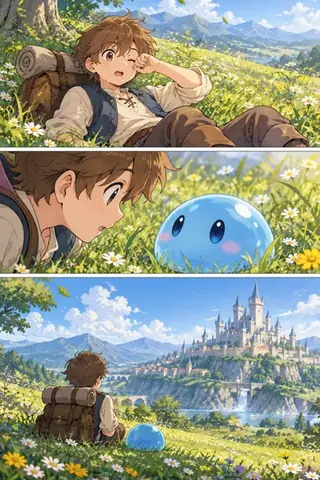
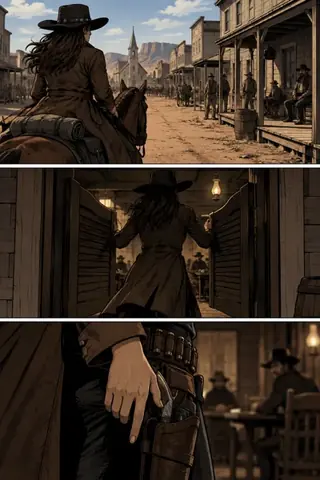
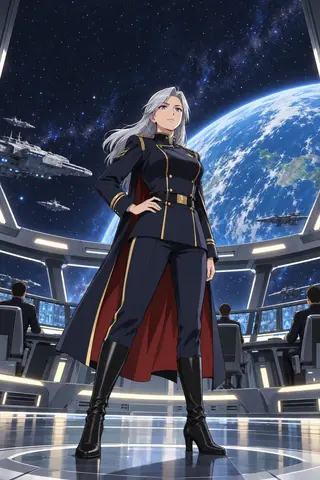
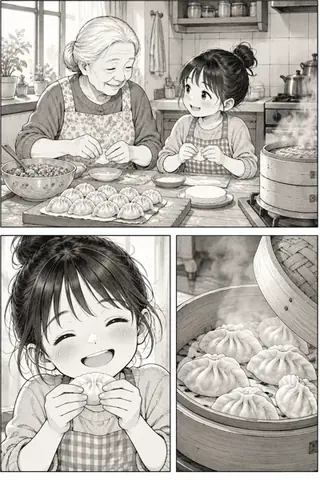
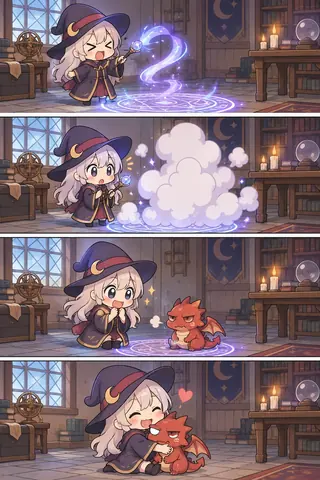
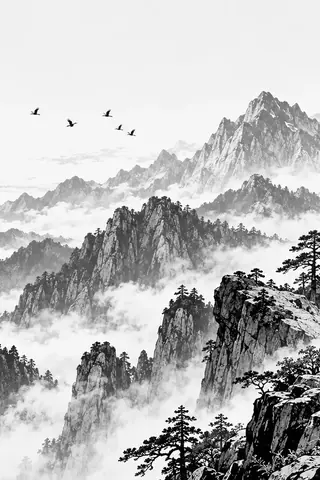
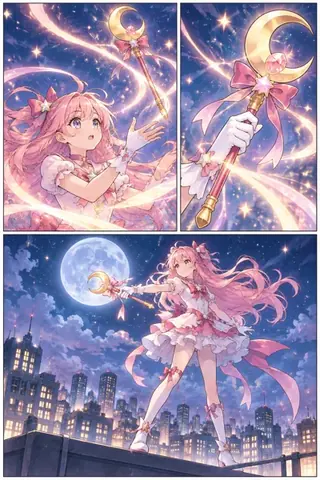
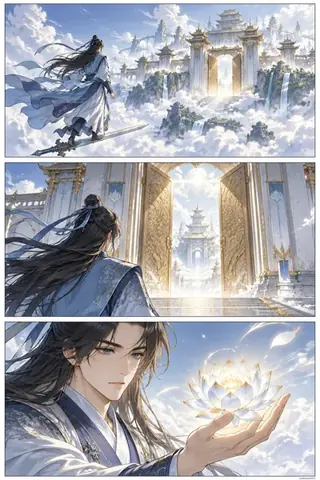
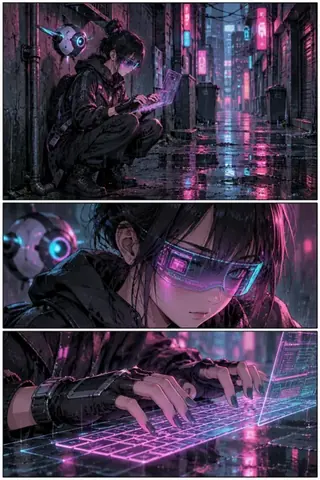
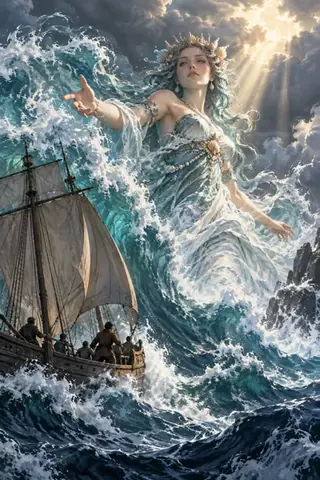
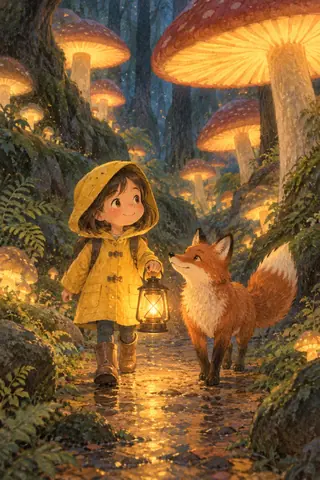
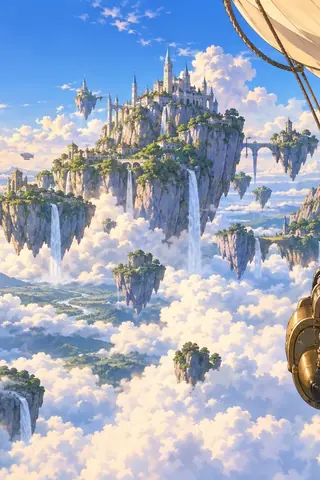
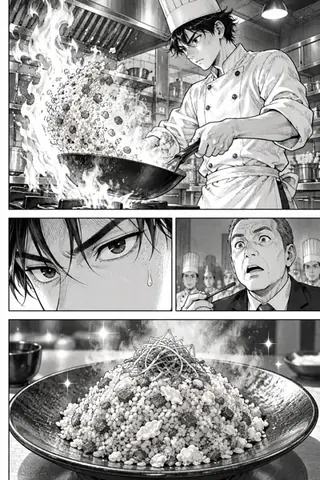
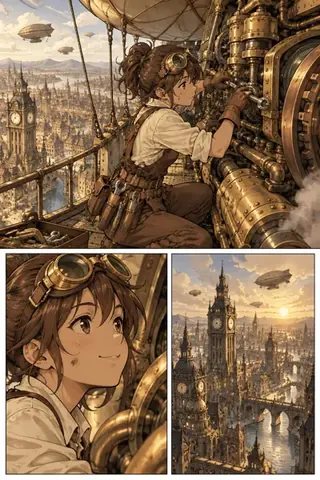
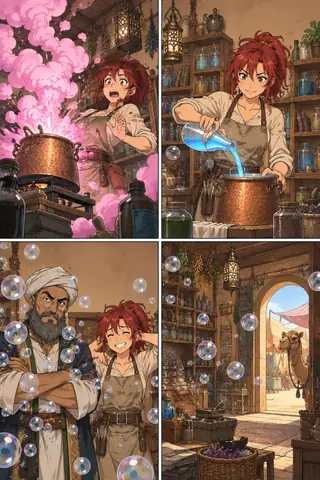
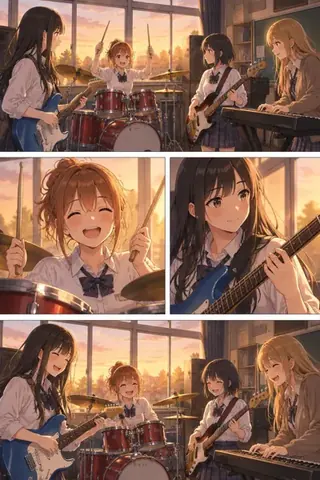
Your best work
starts with your idea.
Turn it into manga pages the world can see.
- Chapter export
- Free
- Works
- Unlimited
- Your work
- Private by default
01One line
Write a line. See what it becomes.
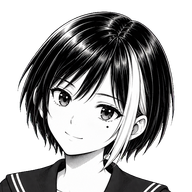
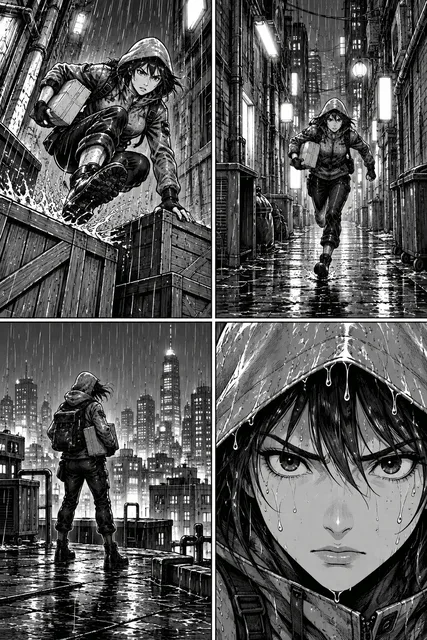
What do you want to draw? Here's an example to start. Edit it or get another.
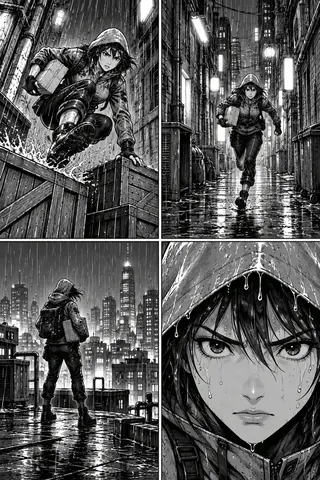
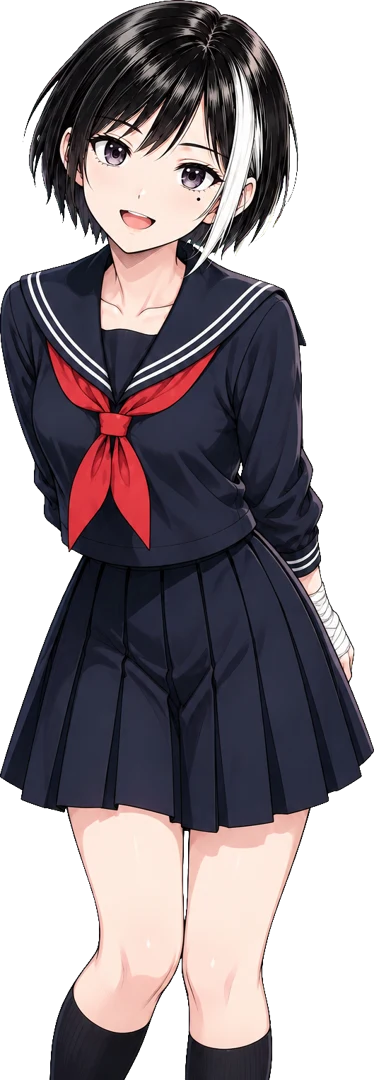
- Rin short hair · hooded raincoat
Nothing is drawn or charged here. You'll land in the studio with this text and style filled in; the price is on the button, and failed images are refunded.The studio needs a computer: sign up on your phone, then open Mangagic on a computer to draw (this text won't carry over automatically).
Ayane's panel ideaOpen wide on the rainy alley, go low for the wall vault, and save the last panel for the meow.
02Three steps
A manga page in three steps.
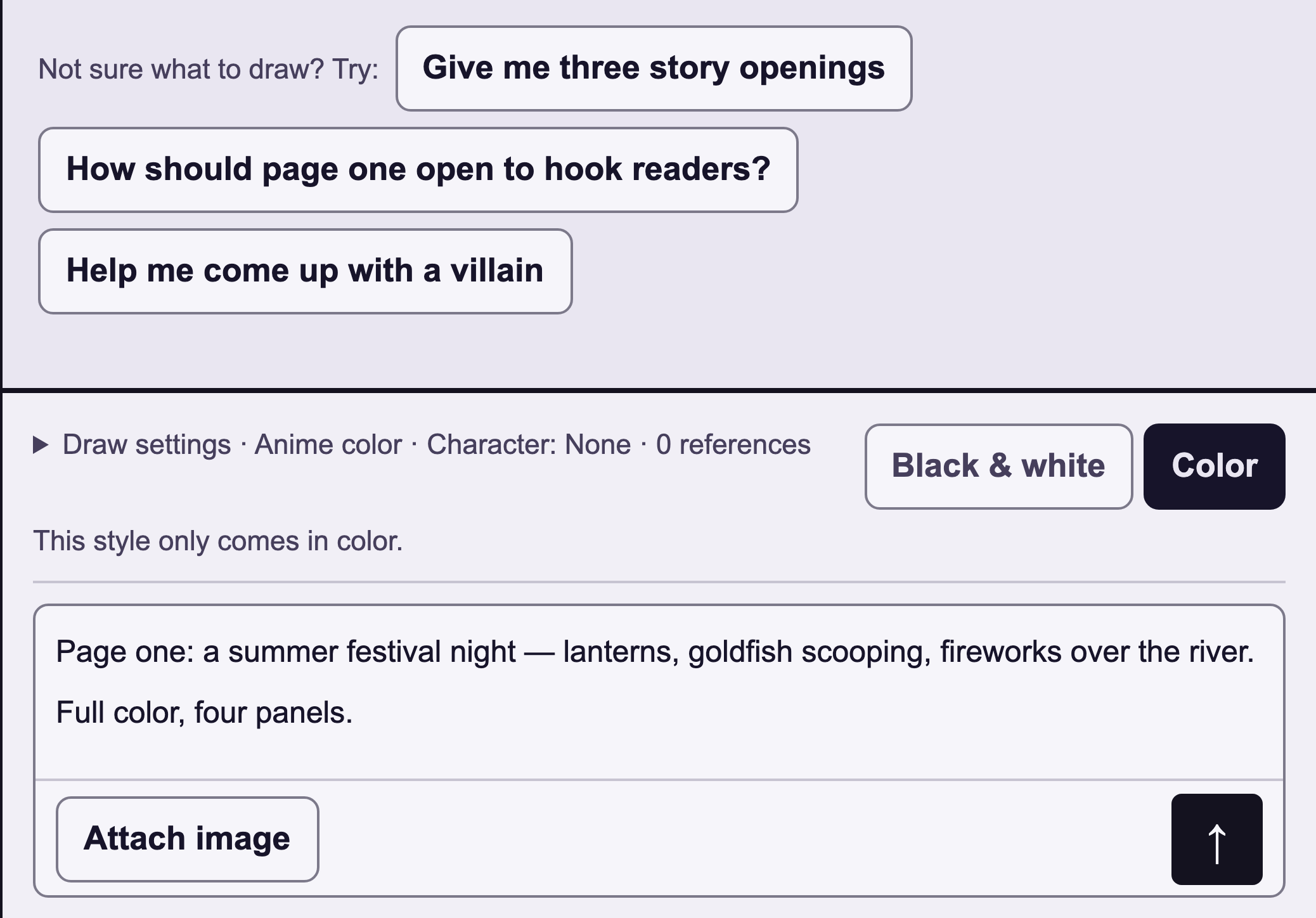 Write a line, or paste a passage
Who's there, what happens, how it feels. No prompt tricks needed.
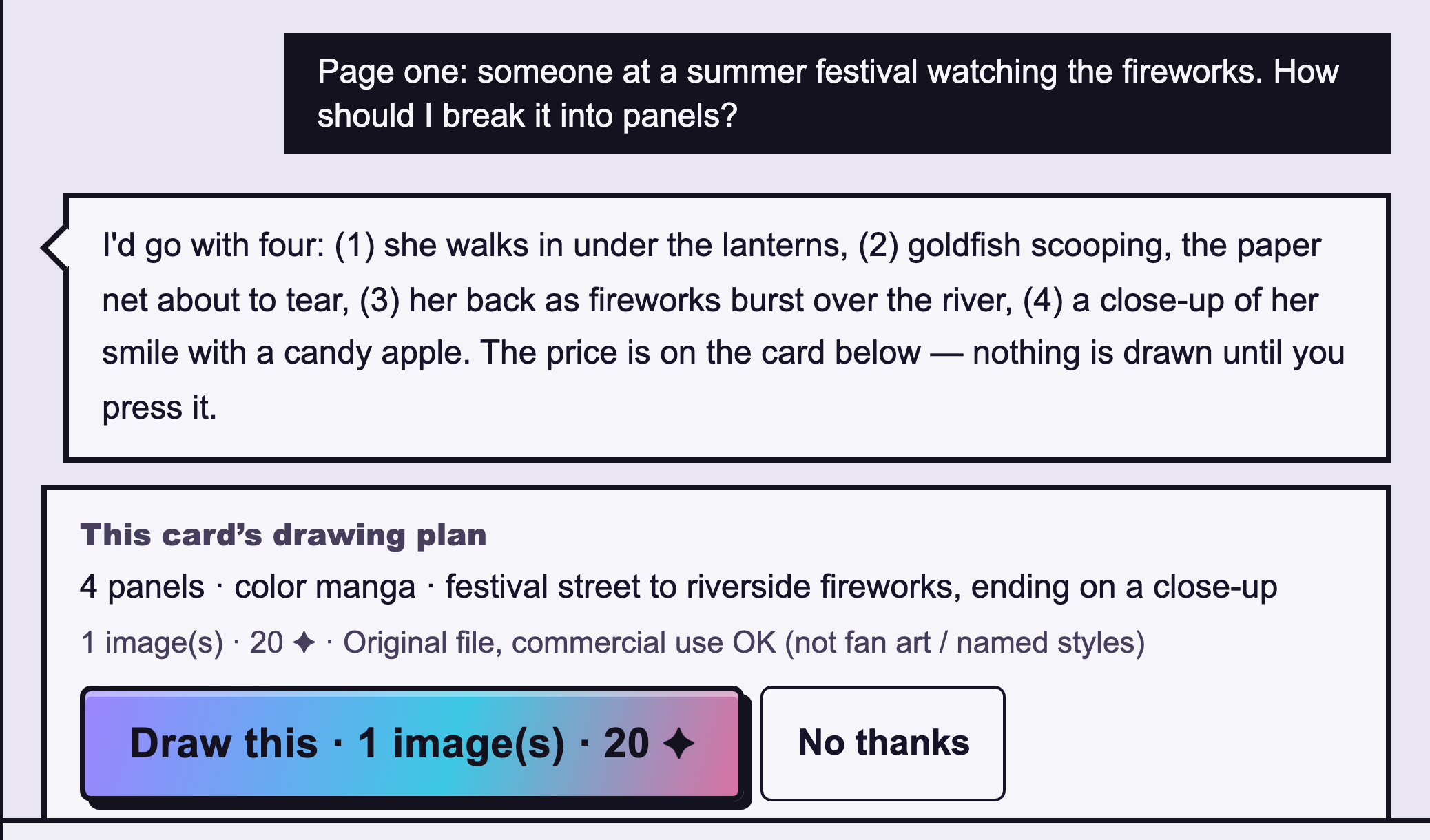 Ask Ayane, or draw it
Asking Ayane is free; when you draw, the price is on the button and ✦ are only spent when you press it.
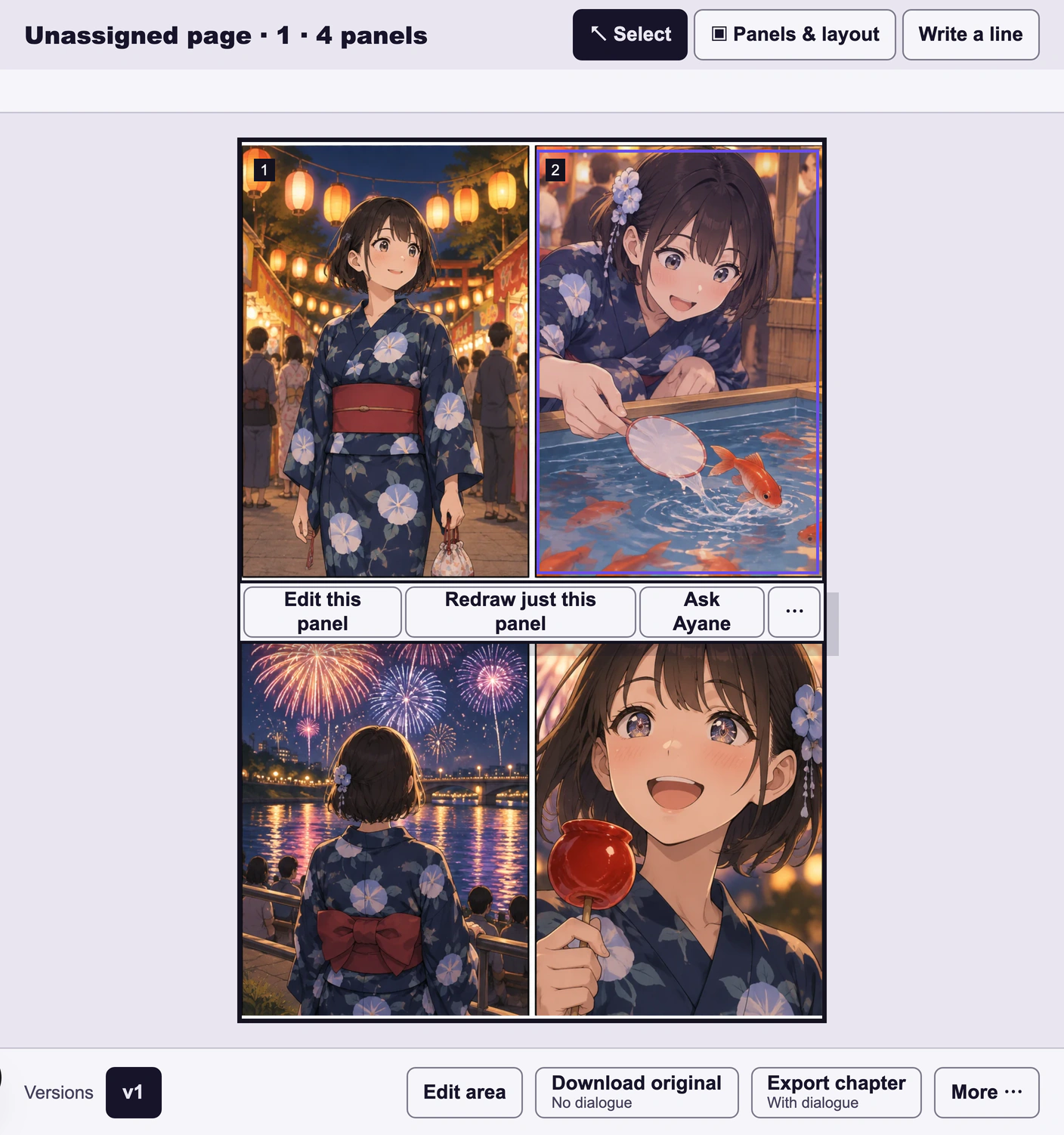 Fix one spot, or draw the next page
Paint over what's off and fix just that. Happy with it? Draw the next page and bring your kept characters along.

Screenshots from the new Mangagic studio, using our sample data.
03One panel
Same page. One panel changed.
An 8-second real example: paint the spot, say how to change it, and only that panel is redrawn. Every other pixel stays the same.
- 1Paint itMark the panel to change
- 2Say ite.g. “make him look surprised”
- 3Only that panel is redrawnEvery other pixel stays; check it yourself
04Gallery
See what it draws.
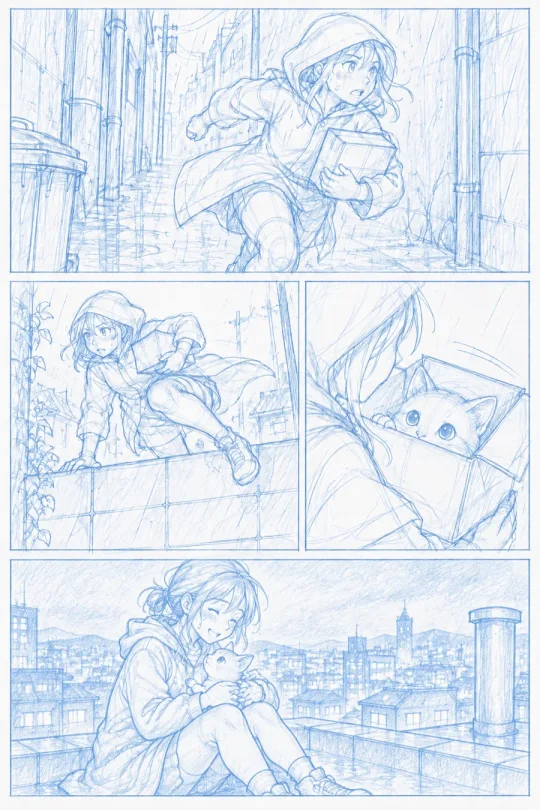
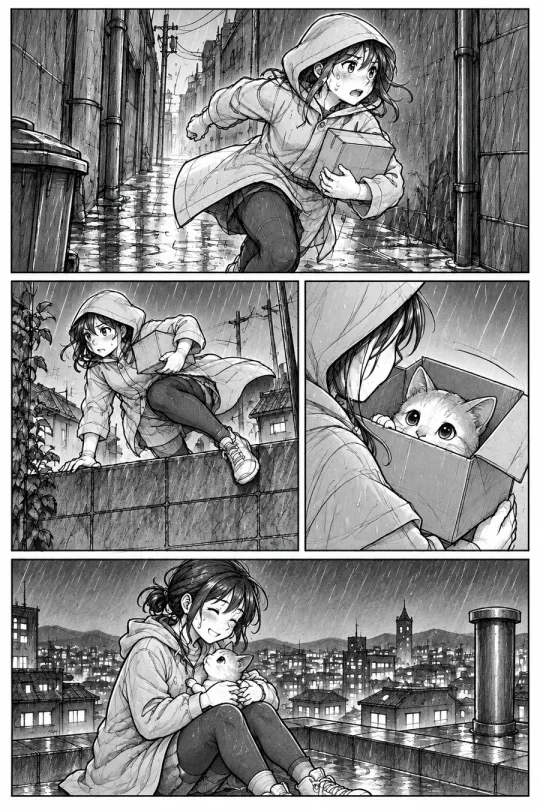
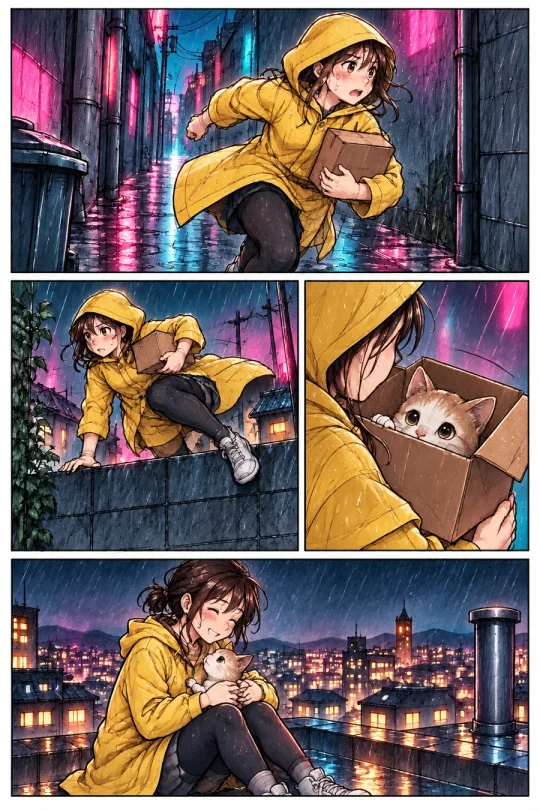
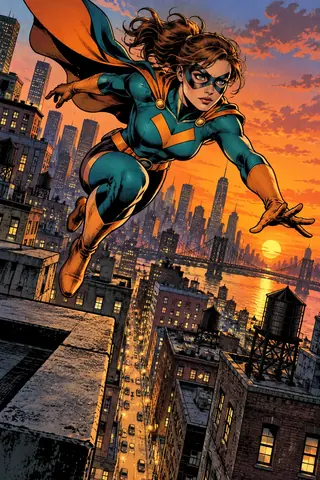
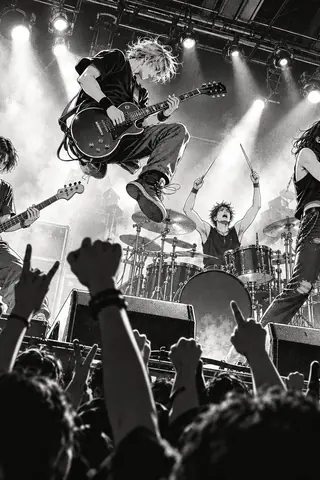
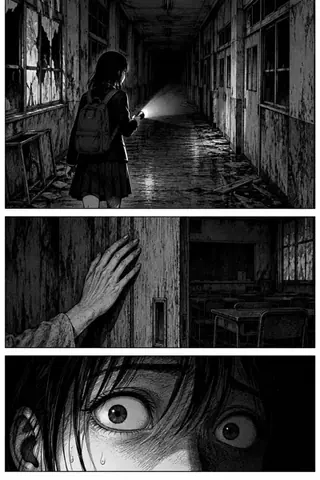
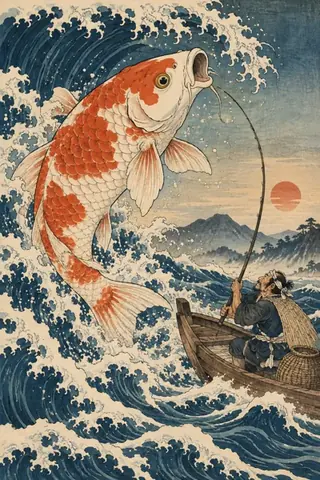
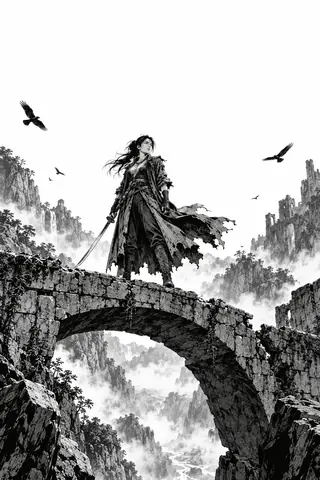
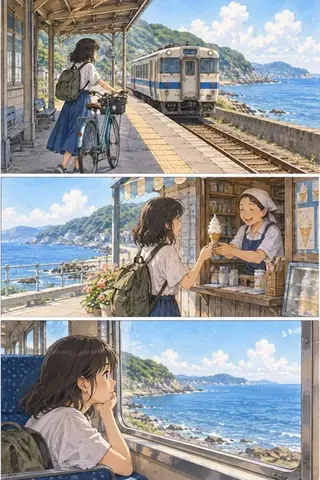
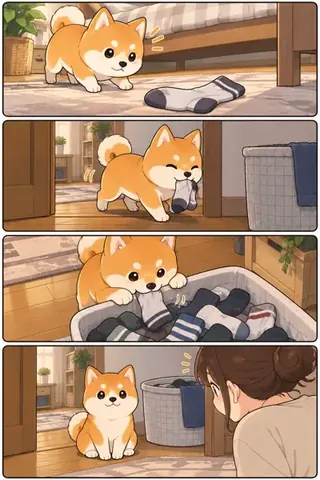
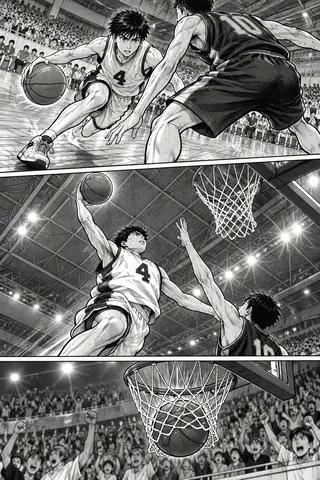
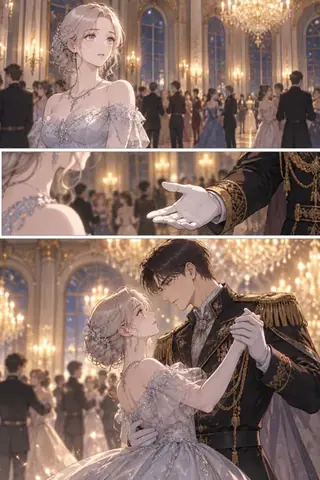
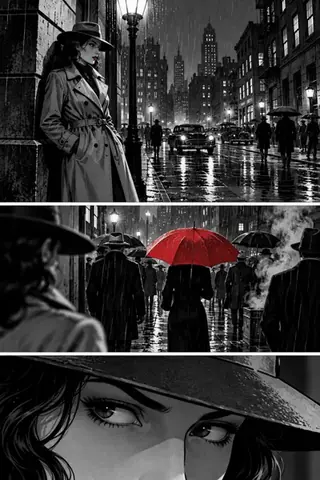
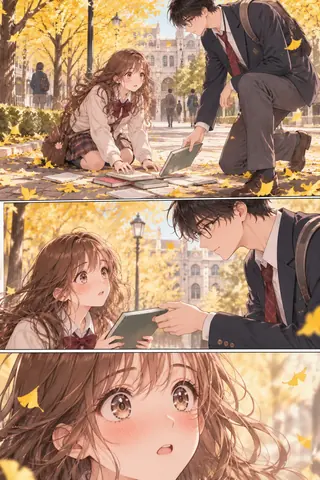
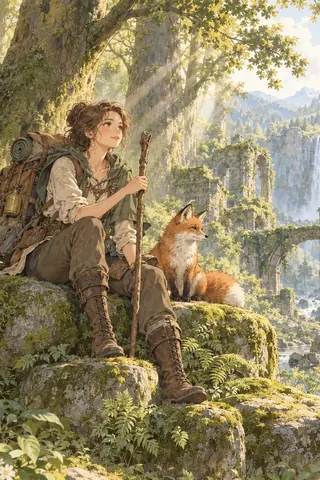
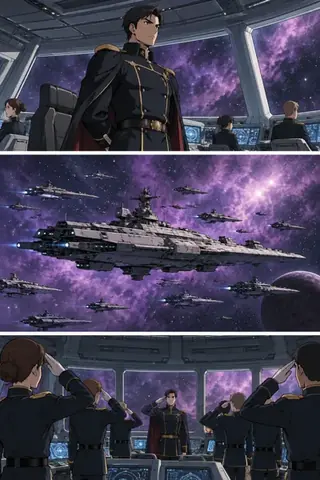
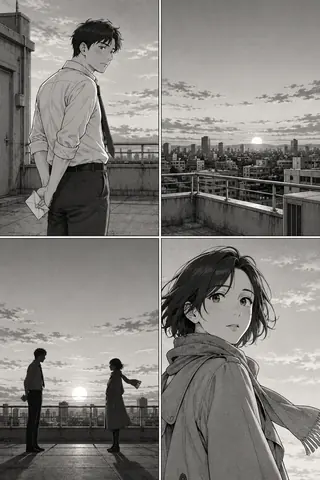
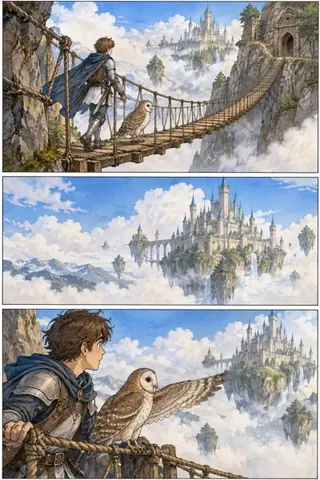
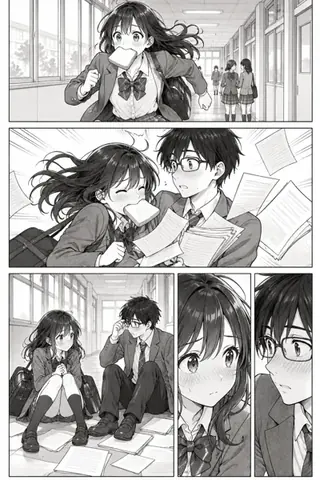
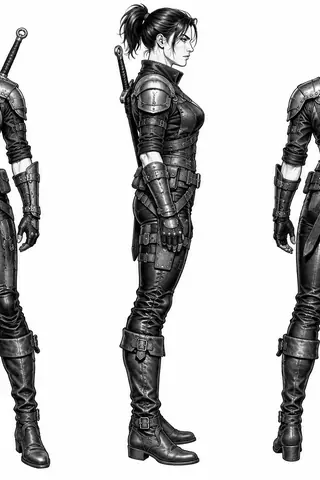
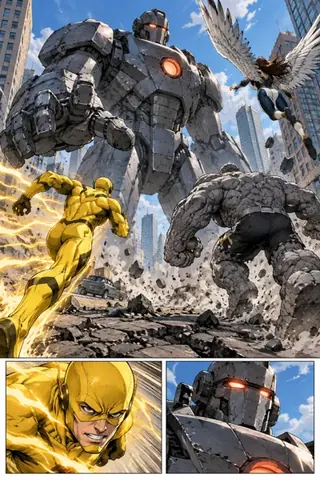
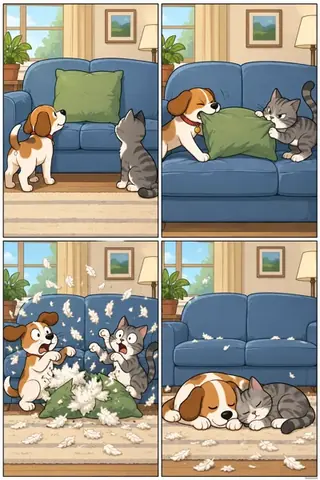
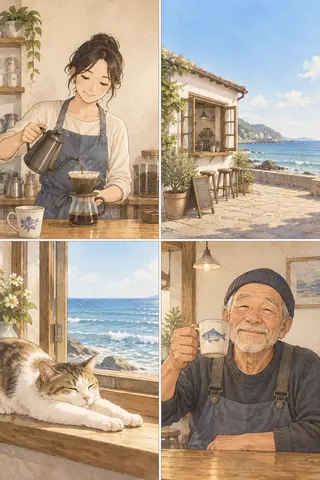
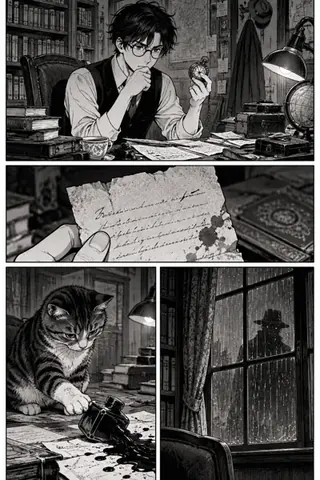
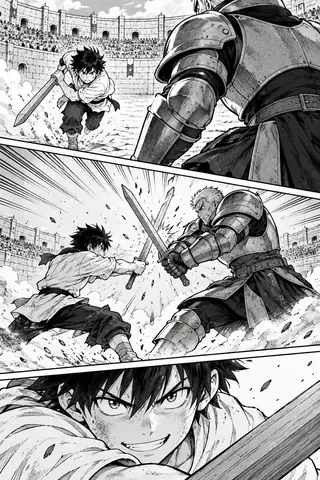
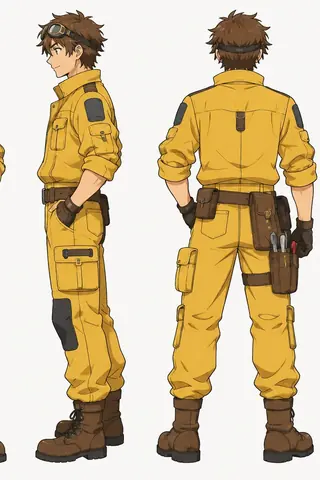
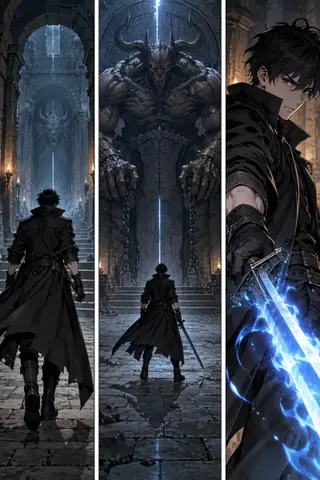
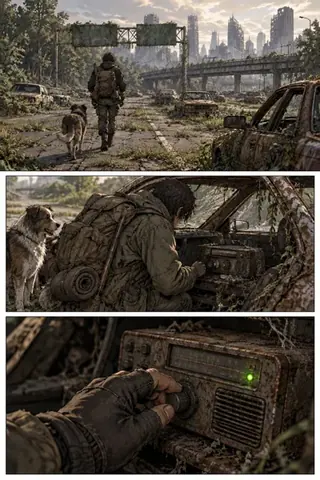
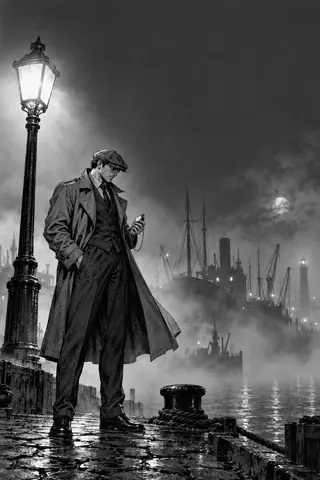
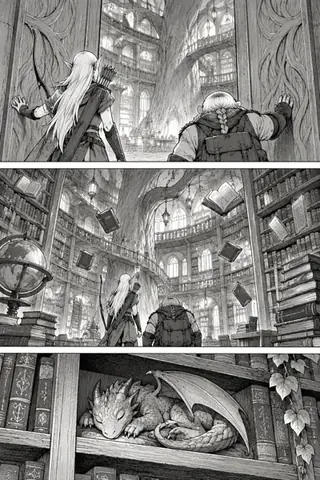
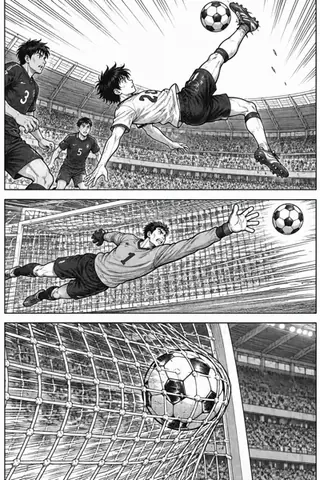
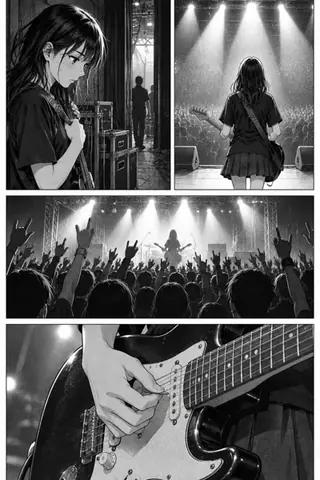
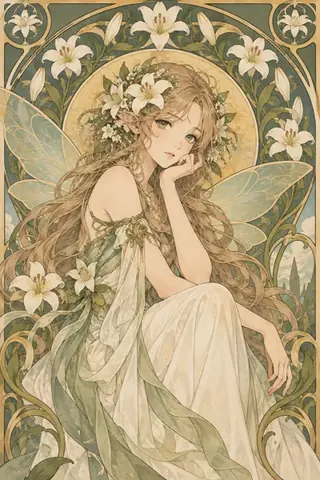
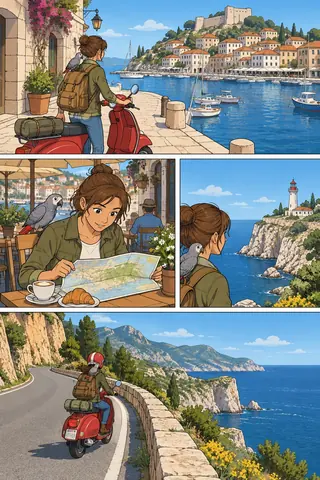
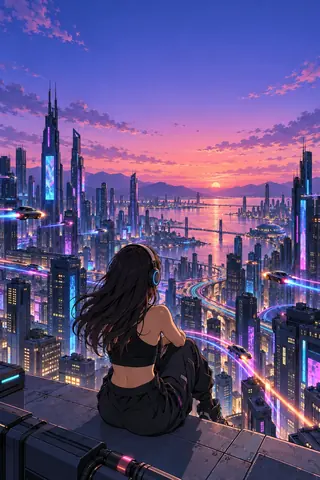
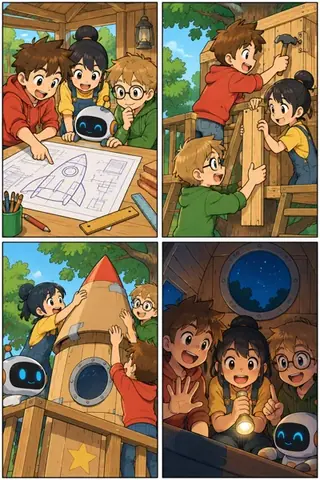
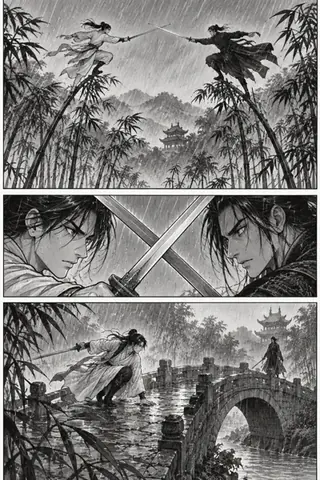
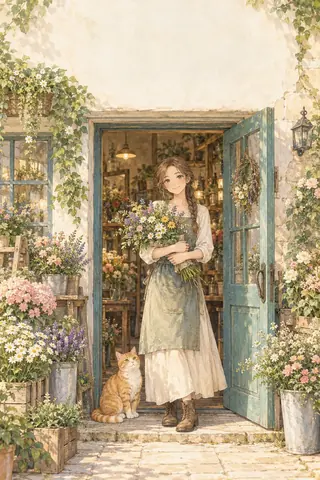
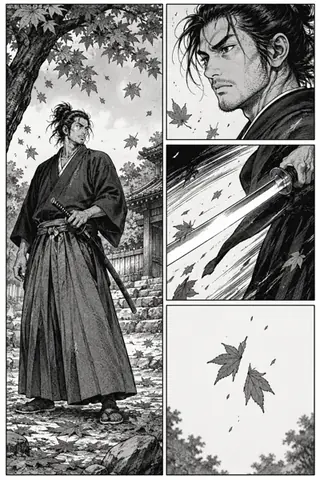
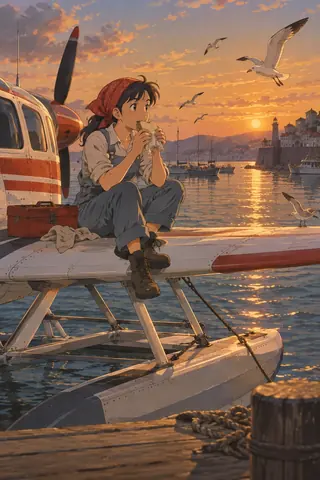
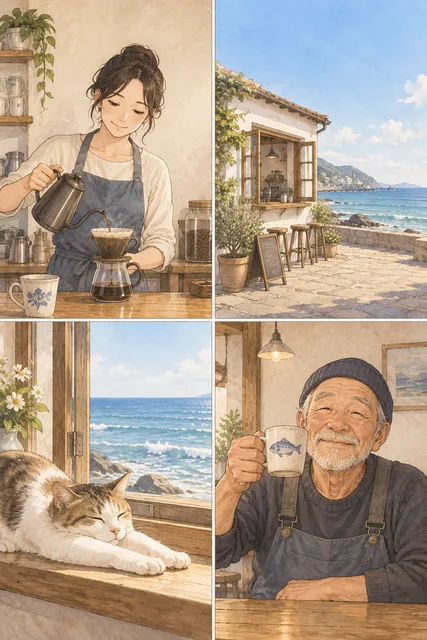
Manga pages, illustrations and wallpapers. Beyond the preset styles, just describe the look you want: American comics, shojo, ink wash and more. None of them were retouched. Open any to see the original.
Unedited output. Characters are original.
05Whole chapter
Everything a whole chapter needs, on one page.
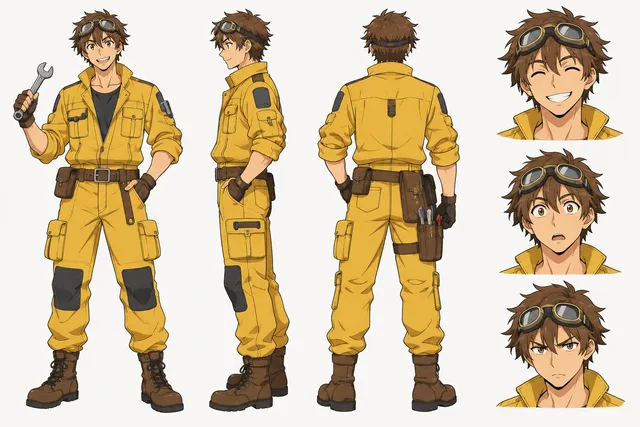
Keep a character once. Bring them to every page.
Draw one you like and press “Save as character”. On the next page, bring them along or use the previous page as a reference to keep faces from drifting.
✦ Save as character
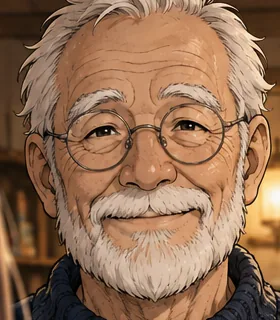
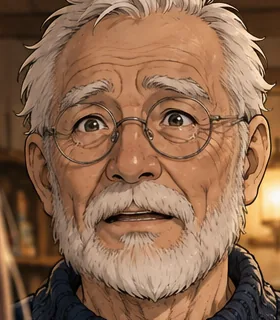
Fix one spot. Keep the rest.
Paint over what's off and say how to change it. Only the painted area is redrawn; the rest stays as it is.
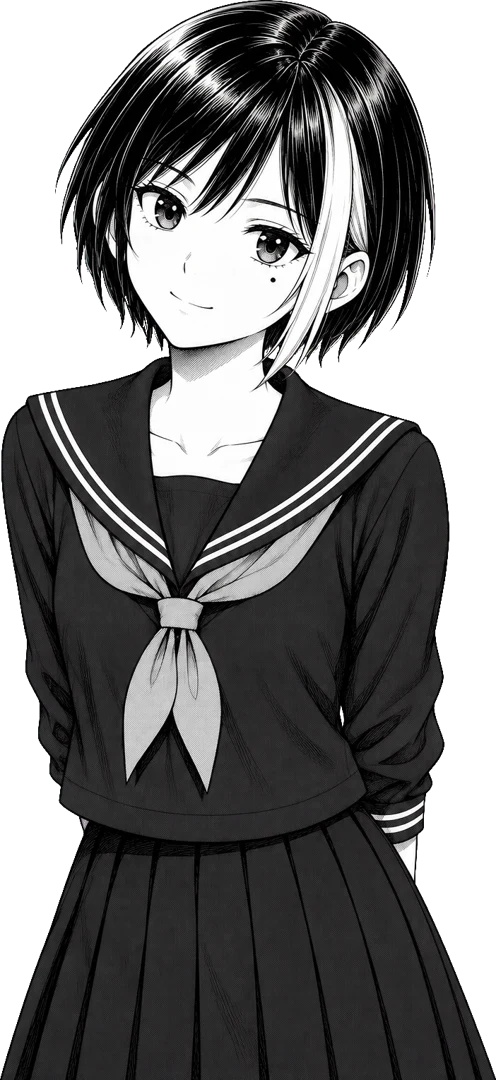
Talk it through, then draw.
Tell her what you want to draw, and she'll help you shape it and lay out the panels. When it's time to draw, the price is on the card.
Open wide on the rainy street, then cut to her footsteps in panel 2. Want me to lay out four panels like that?
Free export. Private by default.
Export a whole chapter as PDF, long image or ZIP for free. Make as many works as you like. When you share one, only people with the link can see it.
PDFLong imageZIPPrivate
06Pricing
What does 100 ✦ get you?
Pay Sparks per image and see the price first. If an image isn't drawn, you get the ✦ back. New accounts get 100 ✦.
- —imagesDraw an image (a 4-panel page, Standard)
- — ✦ an image
- —images + — editsEdit one spot on every image
- About — ✦ an image
- —editsEdit one area
- — ✦ per edit
0 ✦Ask Ayane (free accounts have a daily question limit)0 ✦Export chapter · share · convert to B&WFree1 free image a day when your ✦ can't cover one (watermarked)
Based on Standard. For Detailed, go by the price on the studio button. See plans & Sparks packs →
07FAQ
Questions creators ask.
Didn't find it? Ask Ayane in the studio.
08Notes
Creator notes.
View the blog →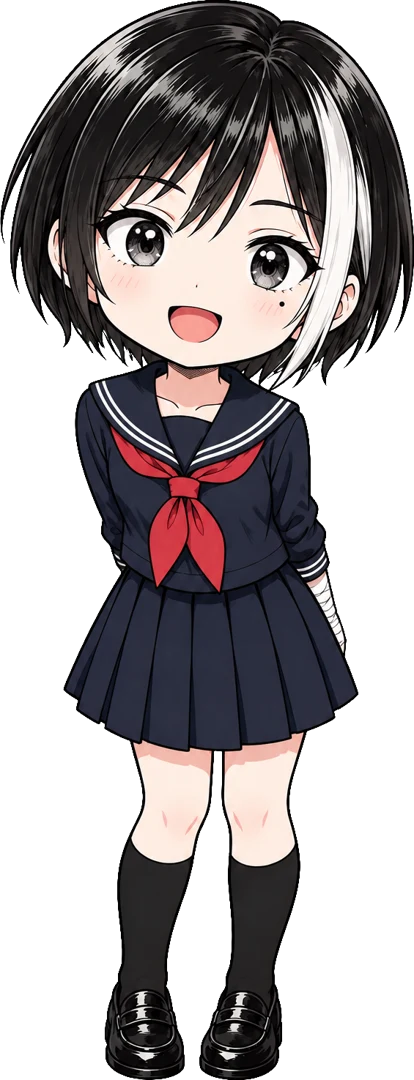
Scene-writing tips, panel breakdowns and product updates will appear here when they're published.
Your first page starts with one line.
100 ✦ for new accounts. Free chapter export, private by default.